There are typically two methods to create a new user in this system.
This page will describe how to create a new user or how can a new user signup.
In this topic:
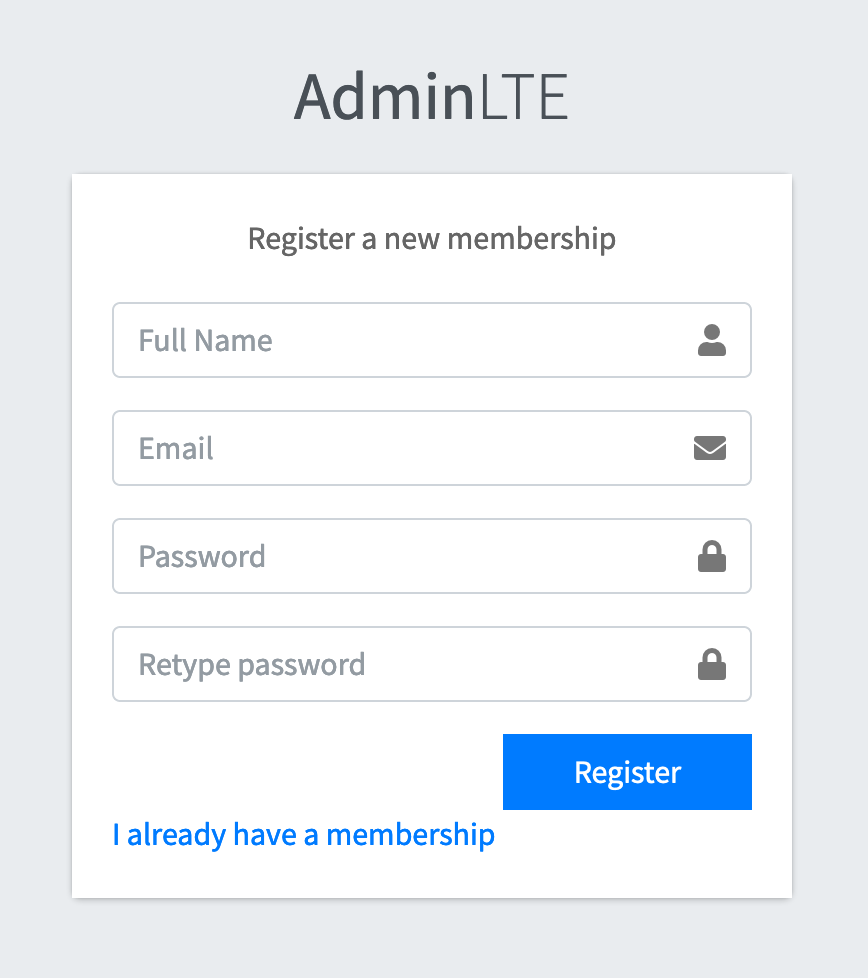
In this method, an administrator can ask client to signup for a new user at this url https://popapibridge.com/user/register. Please Note that the user that is registered is not activated by default, because the system is not for a public use. After registering on this page, a client will ask administrator to activate the user, otherwise he will not be able to login. A Client using this method can use a password for his choice and he doesn't need to share the password with any one. All the passwords stored in the encrypted format.
After a client successfully registered himself on the above url. Now administrator need to login to the system and he can view all the users at this url https://popapibridge.com/user. An adminstrator can activate the user who has requested him to activate. Screenshot below is showing a total of 4 users. 3 of the are activated and one needs to be activate. The users that are already activated will have "Deactivate" button, while the users who are not activated will have "Activate" Button.

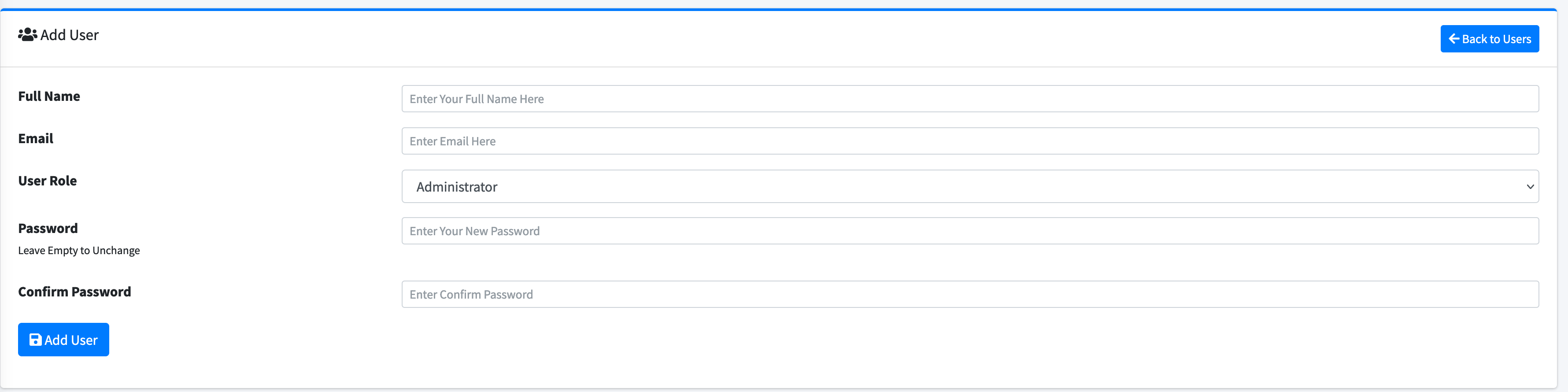
Alternatively to the above procedure, an Administrator can create a new user by visiting this url https://popapibridge.com/user/add-new after logging in to the system. User created from this page will be pre-activated, and hence the second step is not required.